
Key Takeaways
- Cloud management is the command center that controls resources, costs, security, and performance across cloud environments.
- Without proper management, cloud environments become financial liabilities with uncontrolled spending and security risks.
- Core components of cloud management include resource allocation, performance monitoring, governance policies, and disaster recovery.
A lot of organizations move to the cloud expecting instant savings and flexibility. Instead, they end up dealing with rising costs, security blind spots, and resources no one seems to fully understand or track. The issue usually isn’t the cloud itself. It’s what happens when there’s no real plan for managing it.
Cloud management refers to the software and technologies used to operate and monitor applications, data, and services in the cloud. You can think of it as the control layer between your team and the underlying infrastructure; the part that brings order to something that can otherwise get messy fast. It also fits into broader information management practices that make sure data and services stay efficient, secure, and aligned with how the organization actually works.
Whether you’re running a single application on AWS or juggling workloads across Amazon, Microsoft Azure, and Google Cloud at the same time, cloud management makes a real difference. It separates simply paying for infrastructure from using the cloud in a way that delivers clear business value.
Why Is Cloud Management Important?
Unmanaged cloud environments destroy ROI and become financial liabilities. Without visibility and control, organizations pay for resources they don’t use, miss security vulnerabilities, and struggle to meet compliance requirements. Cloud management transforms the cloud from a cost center into something that actually supports strategy and long-term value.
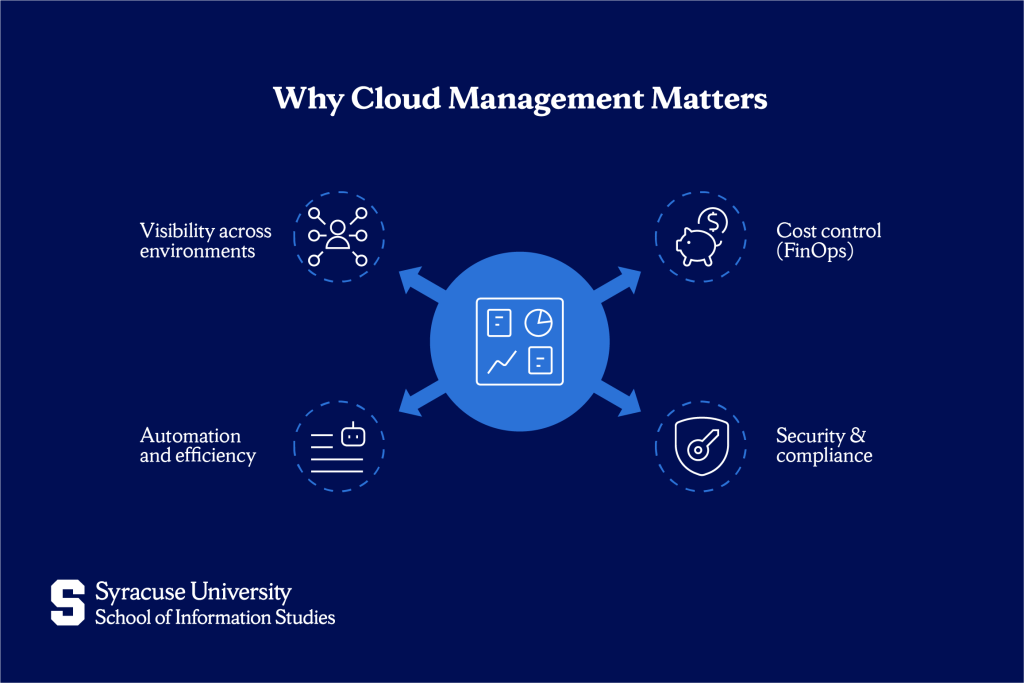
Cost control (FinOps)
Cloud providers charge based on usage, which means costs can spiral quickly without oversight. Cloud management tracks spending in real-time, identifies waste, and optimizes budgets. It answers questions like: “Which departments are consuming the most resources?” “Are there idle virtual machines running 24/7 that nobody uses?”
FinOps (financial operations for cloud) is a discipline within cloud management focused on bringing financial accountability to variable cloud spending. Organizations practicing FinOps save on cloud bills by eliminating waste and right-sizing resources. Without cost management, organizations experience “cloud bill shock” due to unexpected charges that exceed budgets by thousands or even millions of dollars.
Security & compliance
Cloud environments introduce a different set of security challenges. Data often moves between on-premises systems and cloud providers, while multiple teams access resources from various locations. Without proper oversight, misconfigurations can leave sensitive data exposed to the public internet. Cloud management provides the controls needed to protect data privacy and maintain compliance with regulations such as HIPAA in healthcare and GDPR for European data protection.
Security management includes enforcing encryption, monitoring for unauthorized access, scanning for vulnerabilities, and automatically remediating threats. This connects directly to cybersecurity practices that protect organizational assets. Compliance reporting generates documentation showing who accessed what data and when, which is essential for passing audits and avoiding fines.
Automation and efficiency
Manual cloud management doesn’t scale. When organisations run dozens of applications across multiple cloud platforms, administrators cannot realistically provision every virtual machine or respond to every alert by hand. Automation through orchestration reduces manual tasks, speeds deployment, and ensures consistency.
Cloud management platforms automate routine operations like provisioning new environments, scaling resources based on demand, patching systems with security updates, and backing up data on schedules. Infrastructure as code (IaC) defines infrastructure using code rather than manual configuration, making it reproducible and version-controlled.
Visibility across environments
Organizations are adopting multi-cloud strategies, running workloads across AWS, Azure, and Google Cloud. Each provider offers different services, pricing models, and management tools. Without a unified view, IT teams are forced to move between multiple dashboards to understand what’s happening.
Cloud management brings information together into a single, unified view, with one dashboard that tracks performance, costs, and security across all cloud platforms. This level of visibility supports digital transformation by allowing organisations to choose the most suitable platform for each workload without creating fragmented management practices.
Core Components of Cloud Management
Cloud management brings together several related practices that need to work well together. While the tools may differ, every effective approach must cover four core areas to avoid operational problems.
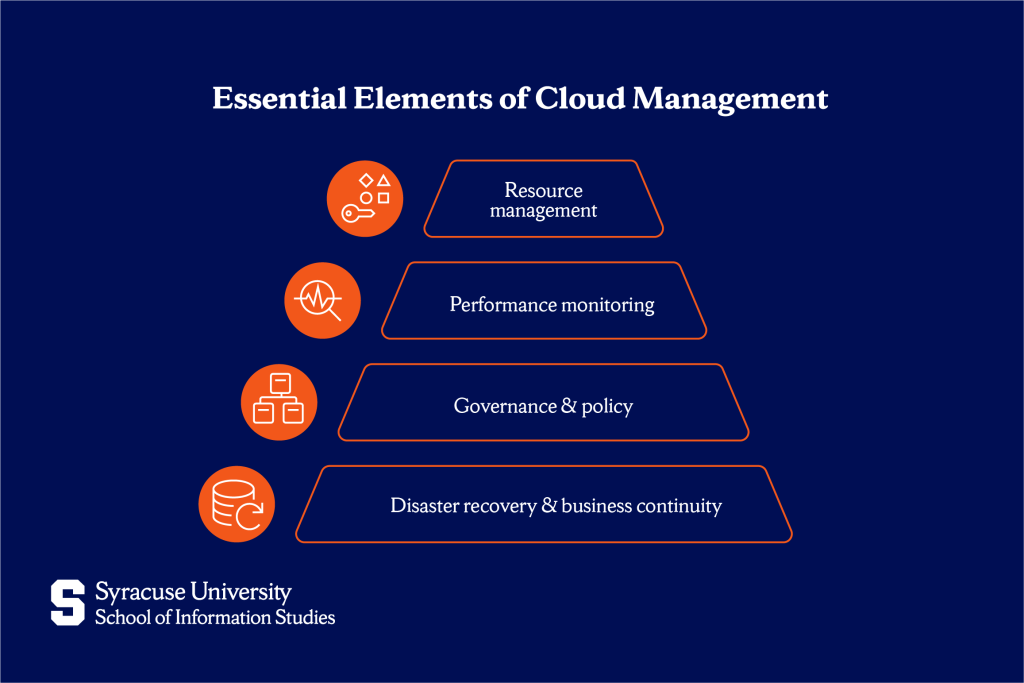
Resource management
Resource management handles allocating and provisioning virtual machines, storage, networks, and other cloud infrastructure. It ensures teams get the resources they need when they need them, without waste. This includes right-sizing: matching resource capacity to actual workload requirements rather than over-provisioning.
Resource tagging is an essential practice in cloud environments. Tags are labels added to cloud resources to show ownership, project, cost centre, or environment. When tagging is done properly, organisations can allocate costs accurately and see which teams are using which resources.
Performance monitoring
Performance monitoring tracks latency, downtime, application response times, and user experience across cloud services. It collects metrics like CPU utilization, memory consumption, network throughput, and database query speeds. When performance begins to decline, monitoring systems alert administrators before users notice problems.
Log aggregation collects logs from all systems into centralized repositories where they can be searched and analyzed. When troubleshooting issues, administrators need to trace requests across multiple services, which requires correlated logs showing what happened when and where.
Governance & policy
Governance establishes rules for who can access what resources and under what conditions. This includes role-based access control (RBAC), where permissions are assigned based on job function. Developers might have permission to create resources in development environments but not in production.
Policy enforcement automates compliance with organizational standards. Policies might require that all databases use encryption or that resources automatically shut down after hours to save costs. Governance connects to broader IT governance practices that align technology decisions with business objectives.
Disaster recovery & business continuity
Disaster recovery management handles backups, replication, and continuity plans that protect against data loss or service interruption. It includes setting recovery point objectives (RPO), which define how much data an organisation can afford to lose, and recovery time objectives (RTO), which determine how quickly services must be restored after an incident.
Cloud management platforms automate backups, regularly test recovery processes, and replicate critical systems across different regions. Without effective disaster recovery practices, organisations face a high risk of severe data loss when hardware failures or security incidents occur.
Cloud Management Platforms vs. Native Tools
Tool selection dictates success and depends entirely on your infrastructure. Organizations running all workloads on a single cloud provider have different needs than those managing multi-cloud environments.
Native cloud tools
Provider-specific tools are built by cloud vendors for their own platforms. AWS CloudWatch monitors AWS resources, Azure Cost Management tracks Microsoft Azure spending, and Google Cloud Operations provides visibility into Google Cloud infrastructure. These native tools integrate deeply with their respective platforms and typically cost less than third-party alternatives.
Native tools excel when you’re committed to a single cloud provider. They support provider-specific features, receive updates as new services are released, and integrate smoothly within that ecosystem. The drawback is that these tools do not extend across providers, which means separate dashboards are required for platforms such as AWS and Azure.
Third-party cloud management platforms
Third-party platforms manage multiple clouds through unified interfaces. Popular examples include:
- Terraform for infrastructure as code across providers.
- Datadog for monitoring and observability.
- CloudHealth (VMware) for cost optimization.
- Flexera for cloud cost management.
These platforms provide consistent management regardless of which cloud services you use. You can view AWS and Azure costs in the same dashboard, apply the same security policies across all environments, and use familiar tools even as your cloud strategy evolves. These tools are essential for organizations practicing sophisticated cloud management skills across complex environments.
Common Challenges in Cloud Management
Cloud flexibility can quickly introduce operational complexity. Without a clear strategy, organisations face friction that slows adoption, disrupts operations, and reduces the business value of cloud investments.
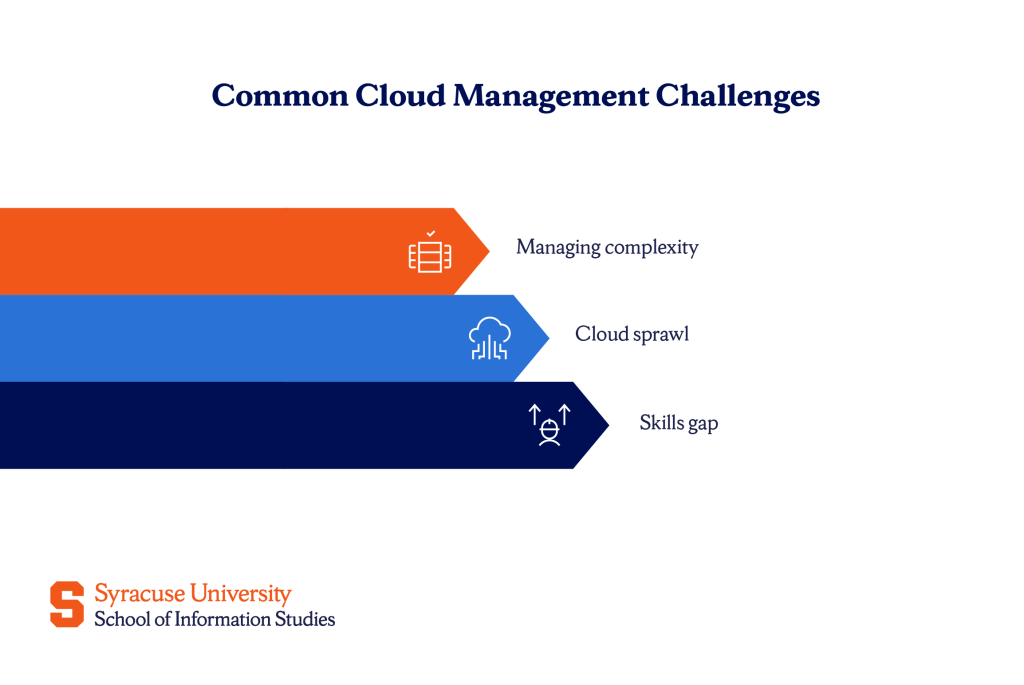
Managing complexity
Hybrid environments combining on-premises infrastructure with public cloud services are technically difficult to manage. Multi-cloud strategies add layers of complexity, as each provider uses different terminology, pricing models, and management interfaces. IT teams must maintain expertise across multiple ecosystems, which requires professionals with deep technical knowledge.
Skills gap
Finding staff with the right expertise to manage cloud environments is challenging. Cloud technologies evolve rapidly, and demand for skilled professionals exceeds supply. Organizations struggle to hire cloud architects, security specialists, and professionals who understand both technical implementation and business strategy. The skills gap affects tool adoption, as organizations invest in platforms but lack staff who can configure them effectively or implement recommended optimizations.
Cloud sprawl
Cloud sprawl occurs when unmanaged resources multiply without oversight. Developers spin up test environments and forget to delete them. Teams provision resources directly without going through central IT. Before long, the organization has hundreds of orphaned resources generating costs with no clear ownership.
Sprawl leads to security risks when forgotten resources aren’t patched, inflates costs as idle resources continue charging, and creates compliance issues. Preventing sprawl requires automated policies that tag resources, monitor for orphaned assets, and enforce lifecycle management.
Best Practices for Effective Cloud Management
Implementing cloud management successfully requires both technical tools and organizational discipline. These practices help organizations gain control while maintaining agility.
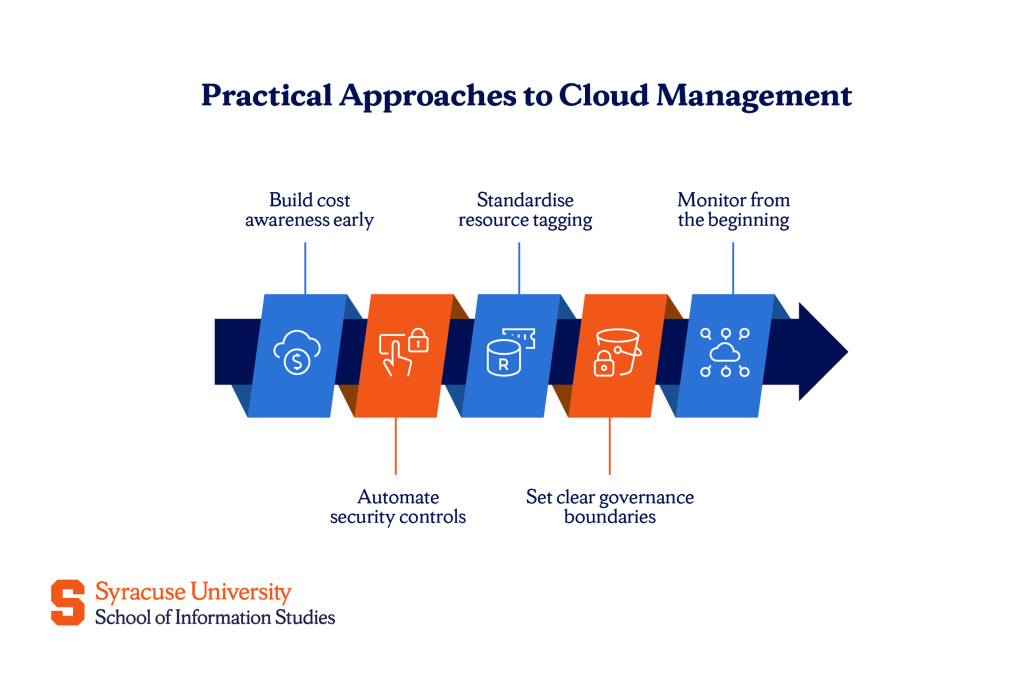
- Adopt a FinOps culture early. Make cost visibility and accountability part of your cloud strategy from the start. Assign cloud costs to specific projects or departments, so teams see the financial impact of their resource decisions.
- Automate security policies rather than relying on manual checks. Define security requirements as code that automatically provisions compliant infrastructure. Use policy-as-code tools to continuously validate that resources meet standards.
- Implement resource tagging consistently across all environments. Require tags for cost center, project, owner, and environment before resources can be provisioned. Tagging enables accurate reporting and cleanup of orphaned resources.
- Establish clear governance models with appropriate access controls. Define who can create resources in which environments with what spending limits. Balance developer autonomy with organizational oversight.
- Invest in monitoring and observability from day one. Implement monitoring that provides visibility into performance, costs, security, and user experience. Set up alerts for anomalies that require attention.
These practices connect to broader IT project management approaches that help ensure technology initiatives support strategic objectives.
Taking Control of Your Cloud Environment
Effective cloud management determines whether cloud computing delivers real return on investment. Without it, cloud environments become costly, difficult to secure, and hard to control. With the right management in place, organisations gain flexibility, reliable scale, and the ability to support sustained growth and innovation.
As organisations adopt more cloud services and weave them more deeply into daily operations, managing complexity becomes unavoidable. Building the skills to handle that complexity requires a clear understanding of both technology and governance, and programmes such as Syracuse University’s Certificate of Advanced Study (CAS) in Cloud Management offer focused training in the practices and strategies that support effective cloud operations.
Start by auditing your current setup. Document what cloud services you’re using, who owns them, what they cost, and whether they’re delivering expected value. Identify gaps in visibility, security, or cost control. Every cloud management effort begins with a clear picture of the current state.
Frequently Asked Questions (FAQs)
Is a “single pane of glass” for cloud management actually possible?
Yes. Third-party cloud management platforms provide unified dashboards showing resources, costs, and performance across multiple cloud providers, though achieving complete visibility requires proper configuration and integration.
What is the most common mistake that leads to “cloud bill shock”?
Leaving resources running when they’re no longer needed, especially development/test environments, oversized instances, or storage that should be archived, combined with lack of spending alerts and budget controls.
What does a cloud manager do? (Human role vs. software)
Cloud management software provides the tools and automation; human cloud managers define strategy, configure policies, interpret data, and make decisions about resource allocation, security, and optimization across the organization’s cloud infrastructure.
What is the difference between “cloud management” and “managed cloud services”?
Cloud management refers to the tools and processes you use to control your own cloud environment; managed cloud services are when you hire a third-party provider to handle cloud operations on your behalf.
Should I use cloud-native tools or third-party tools like Terraform?
Use native tools if you’re committed to a single cloud provider and want deep integration; choose third-party platforms if you’re running multi-cloud environments or want consistency across different providers.